How to create a website
Updated 22 Jul 20262 min reading
Startkørekort creates a website draft that you can customize and review before publishing it yourself. You can use an existing website for inspiration or describe the website you want.
What do you create?
If you already have a website, Startkørekort uses it as inspiration for the tone and visual style. Your current website is not changed. If you do not have a website, the draft is created from your description of the business, tone, and visual style.
The draft is not public. You can change the text, images, and sections before you eventually publish the website.
Why create the website with Startkørekort?
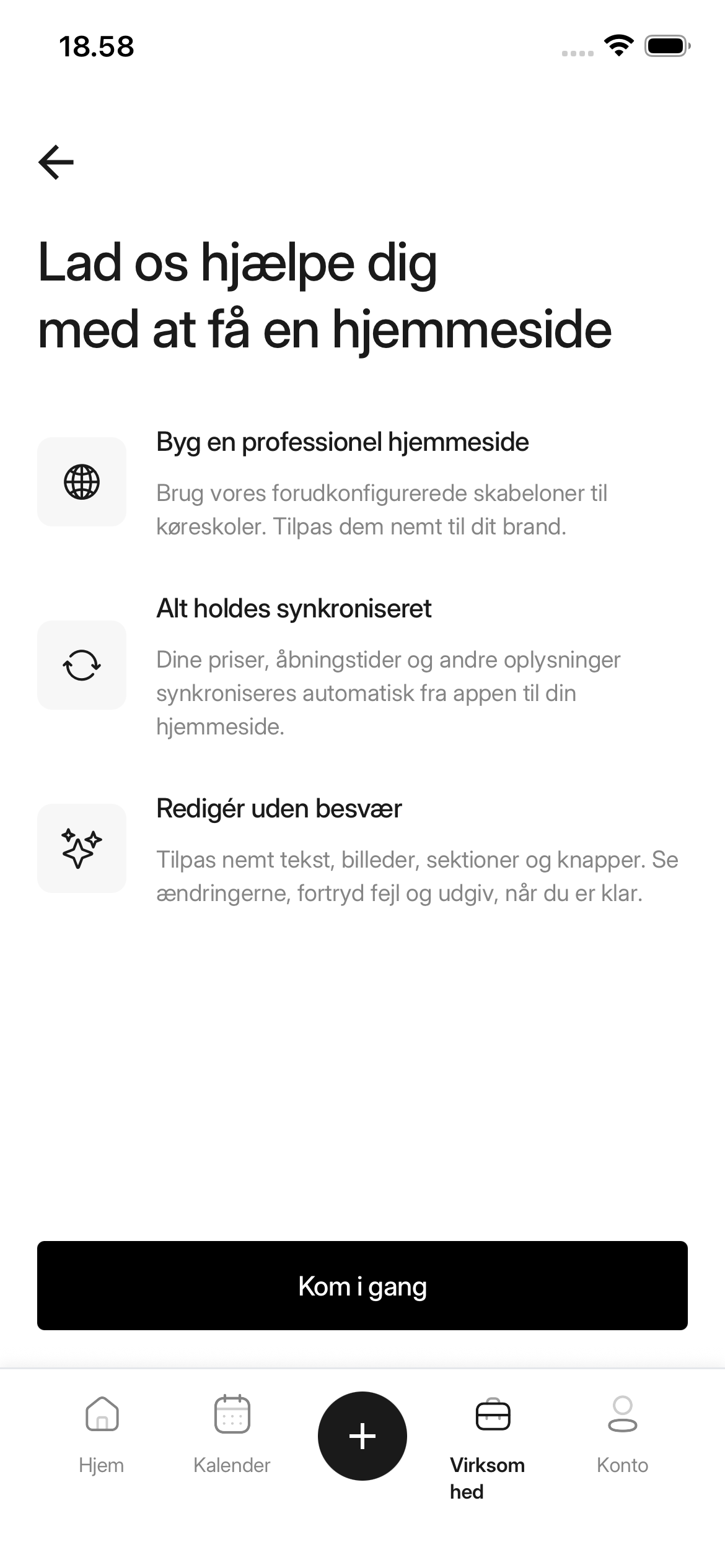
Prices, opening hours, and other information are automatically synchronized from the app to the website. You do not have to update the same information in several places. Once the draft is ready, you can customize it by dragging sections into place and editing the content.
How to do it
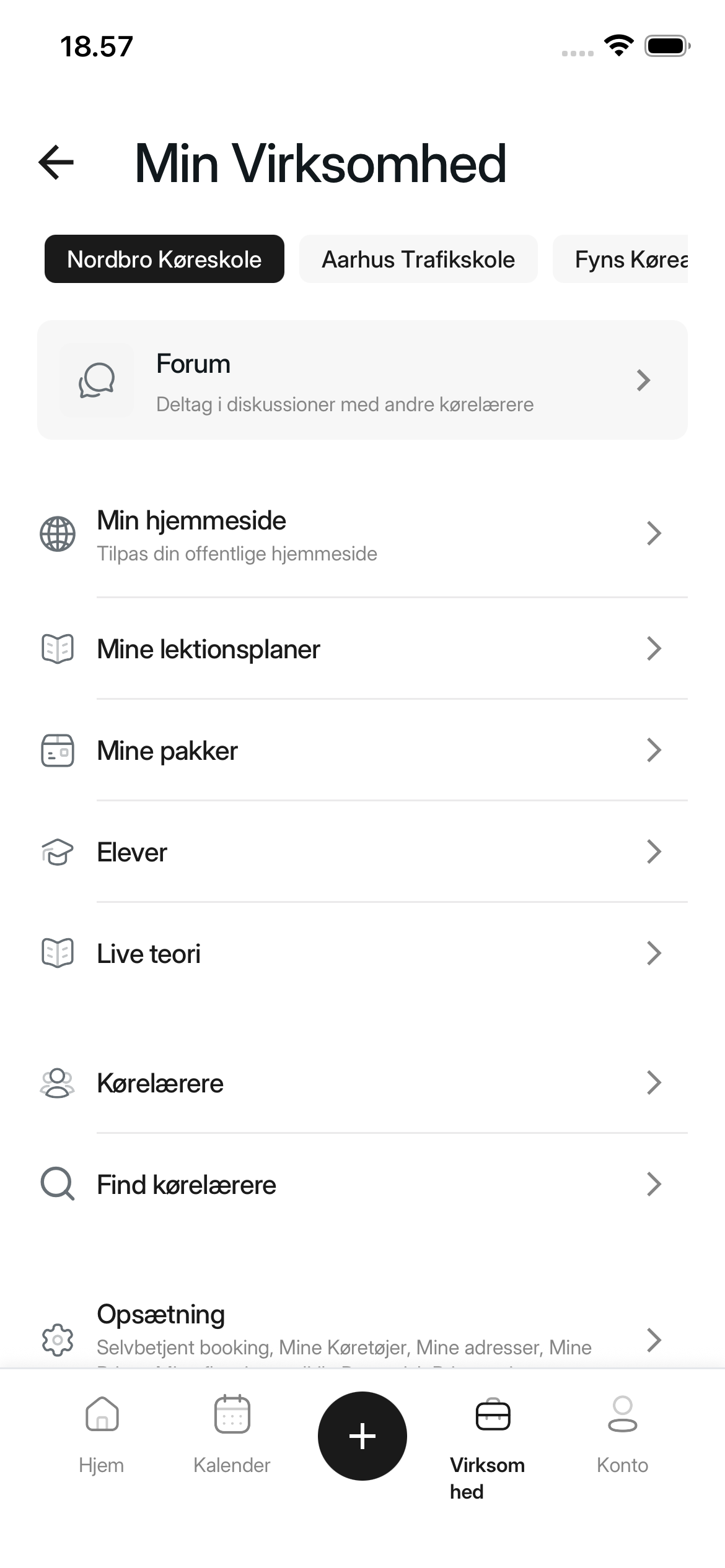
1. Open My website
Select Business in the menu at the bottom of the app. Then select My website.
If you are a member of a driving school but not the driving school owner, My website is shown only if you have access to manage the driving school's profile. If you cannot see the menu item, ask the driving school owner or an administrator for access.
2. Start the creation process
Select Get started.
3. Choose your starting point
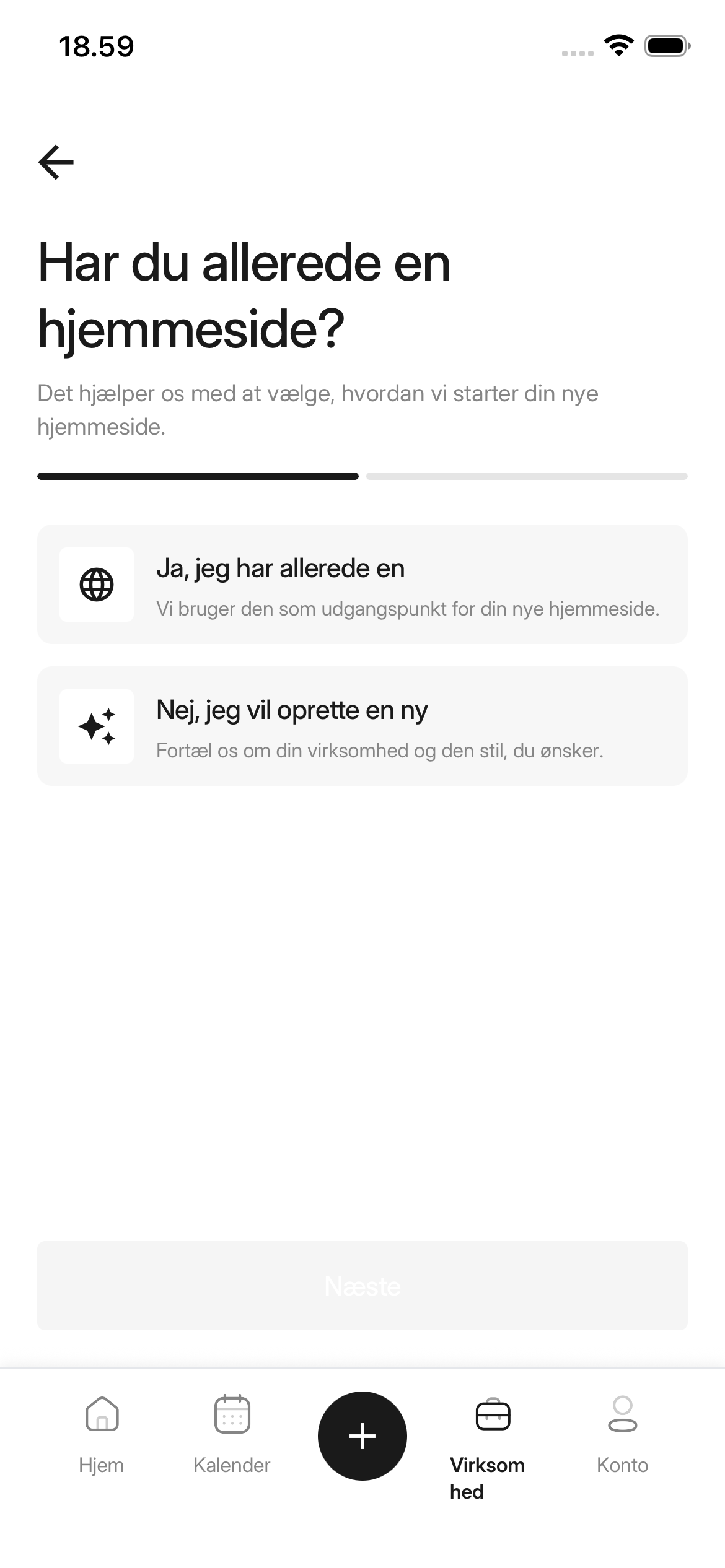
Select Yes, I already have one if your current website should inspire the new draft. Select No, I want to create a new one if the draft should be created from your answers. Then select Next.
4. Provide the basis for the draft
- If you selected an existing website, enter its address under Website URL.
- If you selected a new website, complete Business description, Tone and personality, and Colors and visual style.
Then select Generate.
5. Wait for the draft
The app displays We are building your website while the draft is being created. You can stay on the page or select Come back later and continue with other tasks in the app.
When the draft is ready
The completed draft appears under My website. It is still not public. Continue with How to edit your website when you want to customize, review, and eventually publish it.
Was this article helpful?
Finding related articles…